
I almost returned my first gaming laptop three days after buying it.
Not because it was slow. Not because it ran hot. Because I picked the wrong display resolution and spent every gaming session feeling like something was just slightly off. I could not put my finger on it at first. Then I sat next to a friend playing the same game on a different screen and I immediately understood. The difference was not subtle. It was night and day.
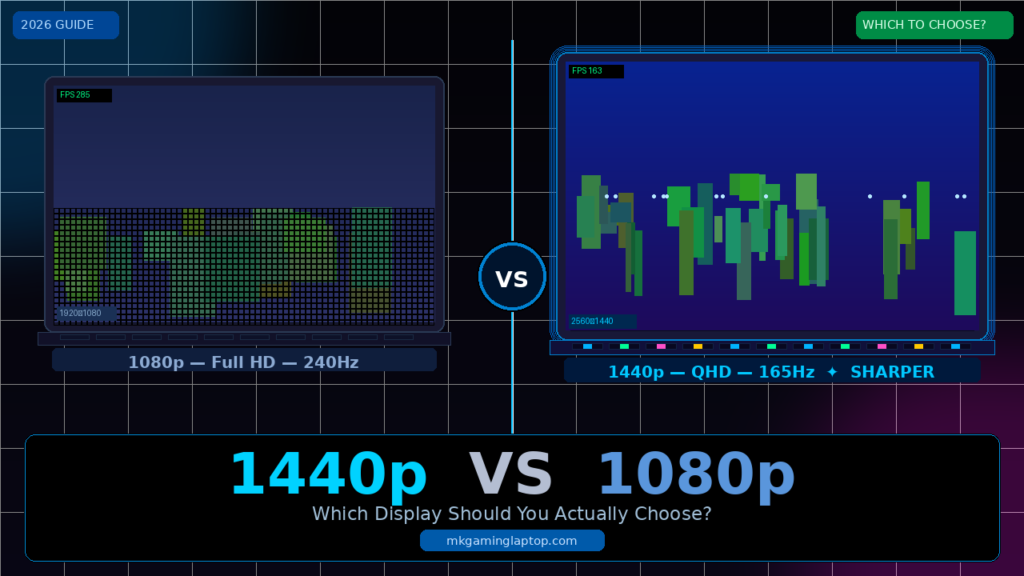
That experience cost me weeks of frustration and a painful return process. If you are trying to decide between a 1440p vs 1080p display on a gaming laptop, this is the guide I wish existed before I made that mistake.
Why Resolution Matters More on a Laptop Than on a Desktop Monitor
Here is something most articles skip over: screen size changes everything.
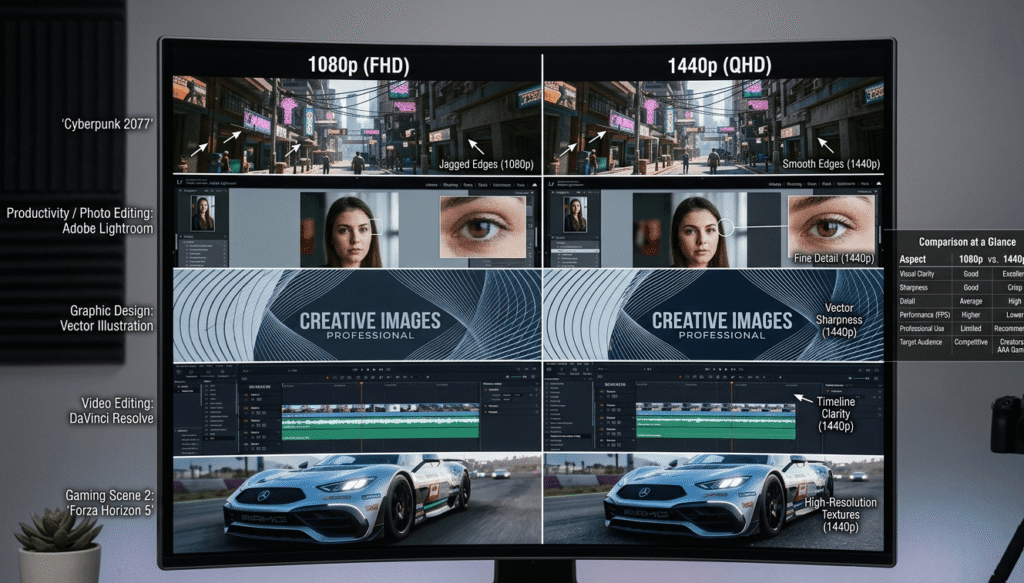
On a 27-inch desktop monitor, the gap between 1080p and 1440p is noticeable but manageable depending on how far back you sit. On a 15 or 16-inch laptop screen you are sitting roughly 18 to 24 inches away from the panel. That closeness means individual pixels become more visible. You will actually see the difference between those resolutions more clearly on a laptop than you would on a larger monitor sitting across a desk.
This is called pixel density, measured in PPI (pixels per inch). A 1080p screen on a 15.6-inch laptop has roughly 141 PPI. A 1440p screen on the same size panel pushes that to about 188 PPI. That jump in sharpness is real and you will feel it when reading text, looking at fine details in textures, or just navigating the Windows desktop.
The Case for 1080p on a Gaming Laptop
Let me be honest: 1080p is not the underdog choice. It is still the smarter pick for a lot of people, and I say that having used both.
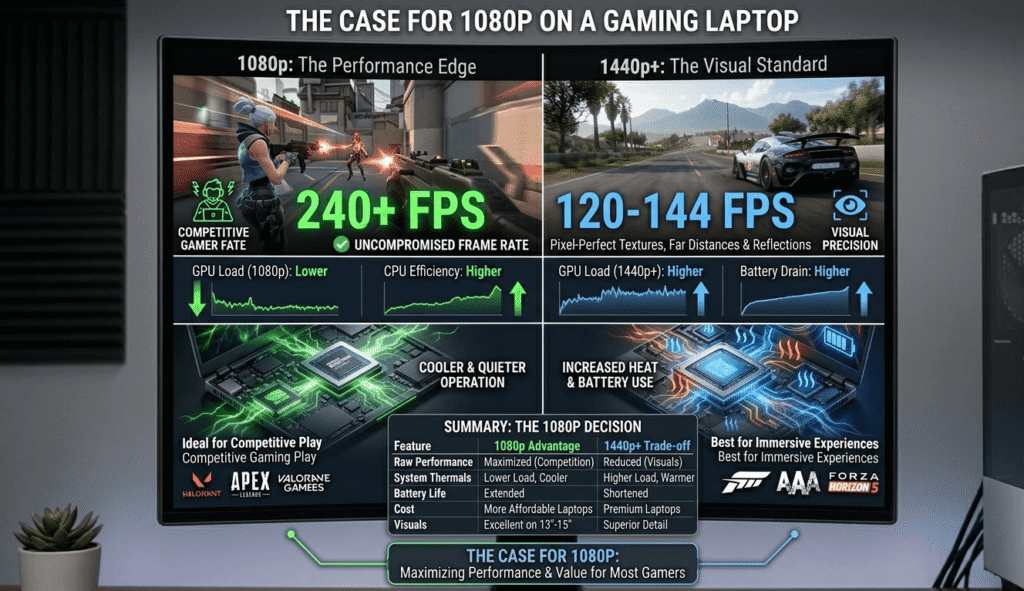
1080p laptops are easier to drive. Your GPU does not have to push as many pixels, which means more headroom for higher frame rates. If you care about hitting 144Hz or 240Hz in competitive games like Valorant, CS2, or Apex Legends, 1080p removes a major bottleneck. Chasing 200+ FPS in those games at 1440p on a mid-range GPU is genuinely painful.
Battery life actually holds up better. At 1080p your GPU works less. I noticed a meaningful difference when doing lighter gaming on battery. 1440p panels with higher GPUs just drain faster, which matters if you use your laptop away from a power outlet at all.
More affordable options exist. The best 1080p gaming laptops at the $800 to $1,100 price range are genuinely excellent. You get fast panels, good build quality, and GPUs that handle the resolution without breaking a sweat.

The right use cases for 1080p:
- Competitive multiplayer gaming where frame rate beats visual quality
- Budget-conscious buyers who want maximum performance per dollar
- Gamers who stream to a TV or external monitor anyway
- Anyone primarily running esports titles
The Case for 1440p on a Gaming Laptop
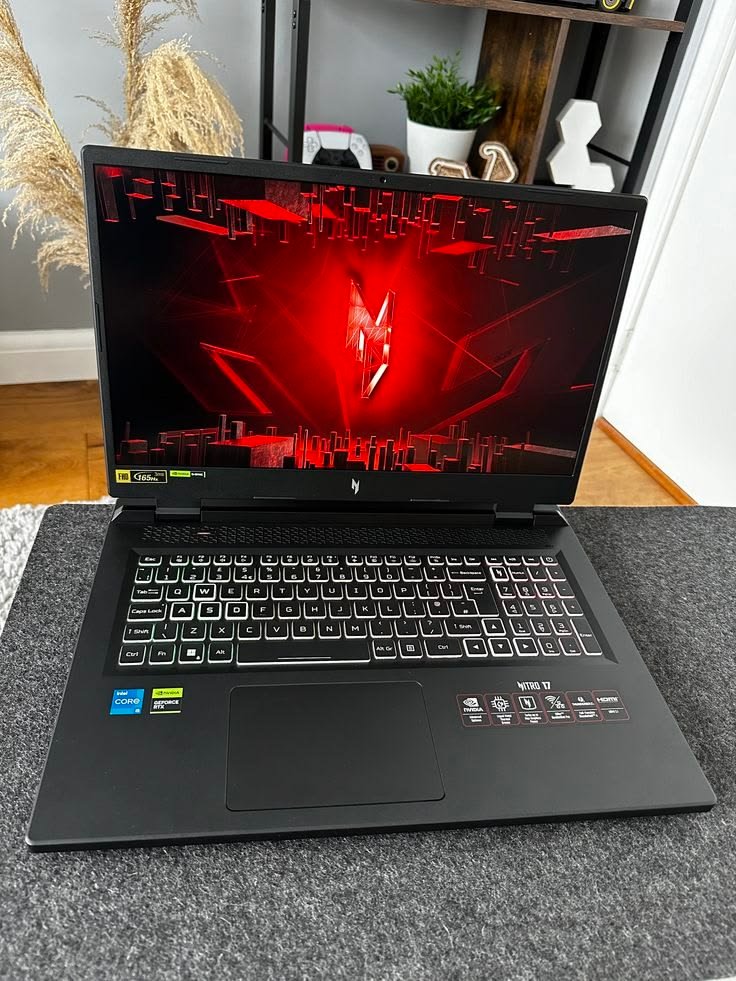
I switched to a 1440p panel about eighteen months ago. I will not go back.
For single-player games, open world titles, RPGs, anything where you are actually looking at environments and characters, the visual improvement at 1440p is significant. Horizon Forbidden West, Cyberpunk 2077, Elden Ring, the difference in texture clarity and overall sharpness is something you notice in the first ten minutes and appreciate for every hour after.
1440p hits a practical sweet spot. 4K on a laptop screen is almost meaningless. The screen is too small to get the full benefit, and driving 4K puts enormous strain on the GPU. 1440p sits in the middle: genuinely sharper than 1080p, but still driveable by a mid-to-high-end GPU without destroying frame rates.
Text and UI look dramatically better. If you use your laptop for work alongside gaming, the difference in everyday desktop clarity between 1080p and 1440p is one of the most underrated quality-of-life improvements. Web pages, documents, video calls, everything is crisper.
Modern mid-range GPUs can handle it. An RTX 4060 in a laptop can run most demanding games at 1440p with medium-high settings and hit playable frame rates. An RTX 4070 handles it comfortably. You do not need the flagship GPU tier to enjoy 1440p gaming.
The right use cases for 1440p:
- Single-player and story-driven games where visuals matter
- Creative work alongside gaming (video editing, design, photography)
- Gamers buying for the long term who want room to grow
- Anyone who spends significant time on the laptop for non-gaming tasks
The Mistake I See People Make Constantly
People buy a powerful graphics card and then put a 1080p screen in front of it.
I understand the logic. More GPU power means more frames. More frames feels better. But when you pair an RTX 4070 or higher with a 1080p panel, you are leaving a lot of visual quality on the table that the card is more than capable of delivering. It is like buying a high-end camera and always shooting in compressed JPEG.
On the flip side, I have also seen people buy a 1440p laptop with a weak GPU and then wonder why their games stutter. Pairing a 1440p display with an RTX 4050 class GPU will force you to drop settings significantly to get smooth frame rates, and at that point you might as well have bought 1080p and kept the settings high.
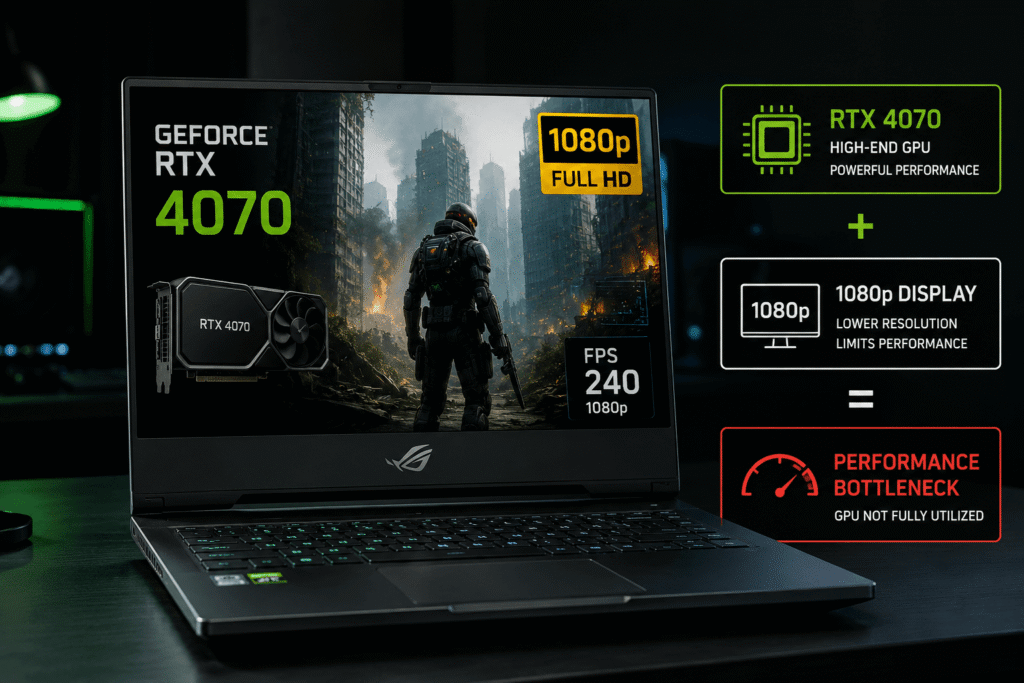
The pairing principle (see our full RTX GPU tier guide for gaming laptops for more detail):
- RTX 4050 or RTX 3060 class → 1080p is the smarter call
- RTX 4060 → 1440p works well for most titles, competitive players might prefer 1080p
- RTX 4070 and above → 1440p is the natural match
What About Refresh Rate? This Changes the Equation
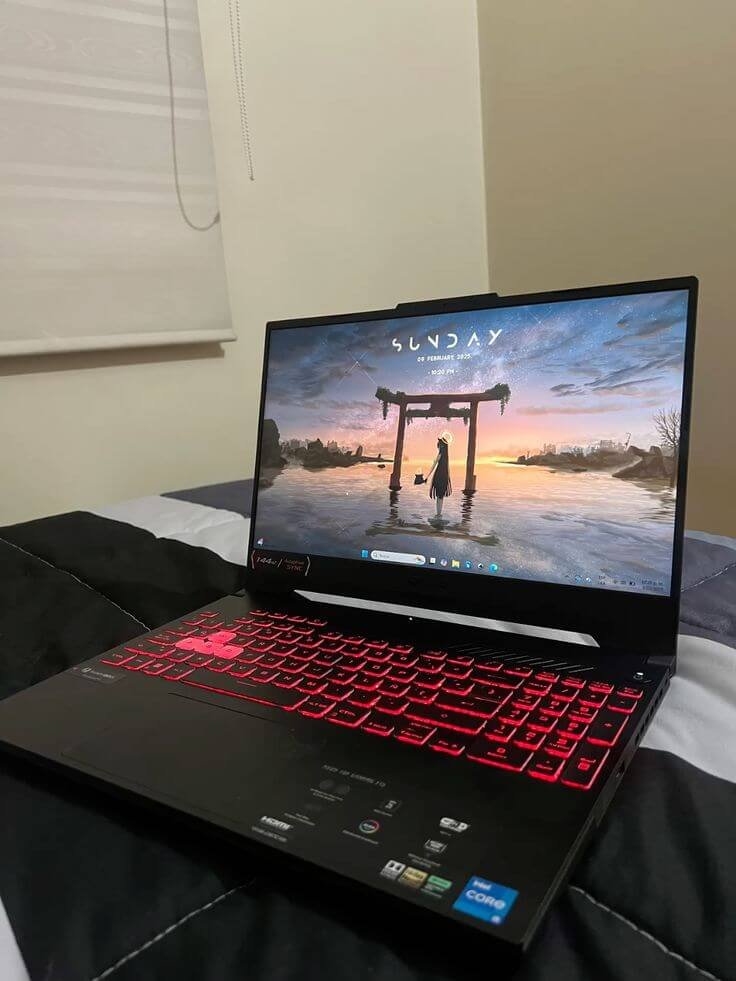
Resolution is only one part of the display story.
A 1080p panel at 240Hz feels completely different from a 1440p panel at 60Hz. These are opposite ends of the spectrum. Most buyers land somewhere in the middle, and the decision tree gets more complicated when refresh rate enters the picture.
If you are a competitive player who prioritizes responsiveness and smooth motion above everything else, a 1440p 165Hz panel is a solid compromise. You get the visual clarity upgrade over 1080p and enough refresh rate for most gaming scenarios. Pure competitive players who live and die by reaction time in ranked modes will still prefer 1080p at 240Hz, and that is a completely valid choice.
For everyone else, 1440p at 120Hz to 165Hz is where I would land. Most modern gaming laptops at that resolution ship with 165Hz panels, which is more than enough.
Real Numbers: What to Expect in Actual Games
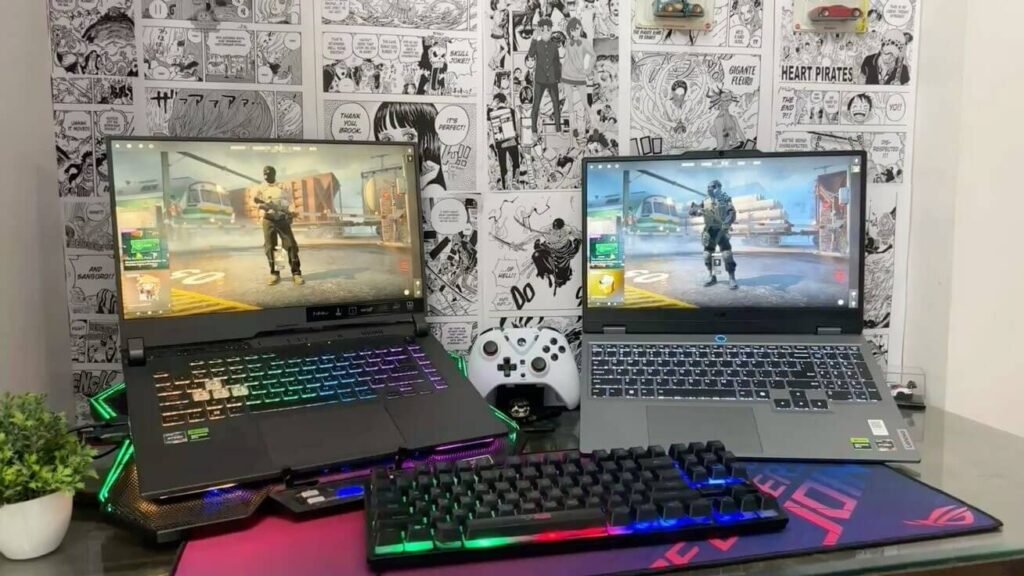
Here is what I have personally observed across different GPU tiers at both resolutions. These are rough real-world figures, not benchmark synthetic numbers.
RTX 4060 laptop GPU:
- Cyberpunk 2077 (High settings): ~55 to 65 FPS at 1440p / ~80 to 95 FPS at 1080p
- Elden Ring: ~55 to 60 FPS at 1440p / ~60 FPS at 1080p (CPU-limited, less difference)
- Valorant: ~180 to 220 FPS at 1440p / ~300+ FPS at 1080p
RTX 4070 laptop GPU:
- Cyberpunk 2077 (High settings): ~75 to 90 FPS at 1440p / ~100 to 120 FPS at 1080p
- Elden Ring: ~60 FPS at both (still CPU-limited in many areas)
- Valorant: ~250 to 300 FPS at 1440p / ~400+ FPS at 1080p
The competitive gaming gap is real and matters if you are a high-ranked player. For story games, the 1440p frame rates above are genuinely enjoyable.
The Hidden Cost Most Buyers Miss
There is a price premium attached to 1440p panels and it is not always obvious.
Two laptops with identical GPU configurations can differ by $150 to $300 based on display spec alone. Sometimes manufacturers bundle 1440p screens with higher GPU tiers, which makes comparison shopping confusing. You end up paying for the panel and the stronger GPU in one jump.
Additionally, not all 1440p panels are created equal. A budget laptop manufacturer can put a 1440p IPS panel with poor color accuracy, high response times, and bad brightness into a machine and technically call it 1440p. Always check:
- Panel type (IPS or OLED preferred, TN is a downgrade regardless of resolution)
- Color coverage (ideally 100% sRGB or better)
- Brightness (at least 300 nits for indoor use, 400+ if you ever work near windows)
- Response time (under 5ms for gaming)
A 1080p IPS panel with great color accuracy will look better than a cheap 1440p panel with poor calibration. Resolution is not the only variable.
OLED Changes This Conversation Completely
If you are considering a gaming laptop with an OLED display, the 1440p vs 1080p debate shifts significantly. We have a dedicated IPS vs OLED gaming laptop guide if you want to go that route.
OLED at 1440p delivers something no LCD panel can match regardless of resolution: perfect blacks, incredible contrast, and colors that look genuinely real rather than backlit. The visual experience of playing a moody game like Baldur’s Gate 3 or a visually rich title like Ghost of Tsushima on a 1440p OLED screen is genuinely different from anything an LCD offers.
OLED panels almost exclusively ship at 1440p or higher in gaming laptops right now, so choosing OLED essentially means choosing 1440p. The trade-off is cost (OLED laptops typically start around $1,400 to $1,800) and potential burn-in risk with static elements over years of heavy use. For most gaming workloads, burn-in takes years to become an issue and modern OLED panels have protections built in.

Common Mistakes That Will Cost You Money
Mistake 1: Buying resolution without matching the GPU. Covered above, but worth repeating. GPU and resolution need to be matched intentionally.
Mistake 2: Ignoring the panel quality entirely. Specs like “1440p 165Hz IPS” can describe panels that range dramatically in actual quality. Look for reviews that include actual measured brightness and color accuracy. NotebookCheck and RTINGS both measure this properly.
Mistake 3: Assuming you can upgrade the display later. You cannot. The display in a laptop is the display you will have for the life of the machine. Get this right at purchase because there is no going back without buying a new laptop or using an external monitor.
Mistake 4: Picking based on spec sheet alone without considering use patterns. Someone who games for 30 minutes on battery power daily has completely different needs from someone who plugs in and plays for 4 hours straight at a desk. Think about how you actually use a laptop, not how you imagine you will.
Mistake 5: Dismissing 1080p as “old” or “low-end.” Good 1080p gaming is still objectively great. Fast refresh rates, high frame counts, excellent panel quality. If your primary games are competitive, 1080p is not a compromise. It is the right tool.

Advanced Tips Most Reviews Do Not Mention
Tip 1: Use DSR or rendering scale as a middle ground. If you end up with a 1080p panel but want better visuals in story games, NVIDIA’s Dynamic Super Resolution lets you render at higher internal resolutions and downsample to your screen. It is not as clean as native 1440p but the improvement over native 1080p rendering is real.
Tip 2: DLSS and FSR have changed the GPU-resolution relationship. DLSS 3 and FSR 3 allow modern games to run at lower internal resolutions while outputting images that approach or match native quality. At 1440p with DLSS on Quality mode, you are effectively running at a lower resolution internally while seeing near-native sharpness. This makes 1440p more accessible on mid-range GPUs than raw rasterization numbers suggest. If you want to go deeper on this, our gaming laptop performance optimization guide covers exactly how to set it up.

Tip 3: Check if the display supports G-Sync or FreeSync. Variable refresh rate technology matters almost as much as resolution for perceived smoothness. A 1440p panel with G-Sync that runs your game at 85 FPS feels smoother than a screen without it running the same game at 95 FPS. Always check for adaptive sync support.
Tip 4: The 16-inch sweet spot. If you are torn, the 16-inch form factor at 1440p currently hits the best balance. The larger screen makes the pixel density improvement more visible, GPU options at that tier are stronger, and most manufacturers are building their best panels into that size category right now.
My Honest Recommendation
If you game primarily in competitive multiplayer titles and care about frame rates above everything else, get the best 1080p 240Hz panel you can afford at your GPU tier. You will not regret it.
If you play a mix of story games and multiplayer, work on your laptop outside gaming, or plan to keep the machine for three or more years, buy 1440p. The investment holds up better over time because game visuals keep improving and 1440p gives you a better baseline for experiencing them.
If your budget allows an RTX 4070 or above, 1440p is the natural pairing. Do not let spec sheets talk you into a mismatch.
One last thing: buy from a retailer with a good return policy and actually test the panel in person if you can. No review will tell you as accurately as your own eyes whether the display is right for you. If you are still in the early stages of your decision, our complete guide on how to choose a gaming laptop walks through every spec that actually matters before you spend a dollar.

FAQ: Gaming Laptop 1440p vs 1080p
Is 1440p really worth it on a 15-inch laptop screen? Yes, more than most people expect. The pixel density at 15 to 16 inches means you are close enough to genuinely see the difference compared to 1080p. Text looks noticeably sharper and fine game textures resolve more clearly.
Can a mid-range GPU handle 1440p gaming? An RTX 4060 handles 1440p comfortably in most games at medium to high settings. Demanding titles like Cyberpunk 2077 or Black Myth Wukong will need some settings adjustments or DLSS enabled. For less demanding games or older titles, you will have headroom to spare.
Does a higher resolution drain battery faster? Yes. Driving a 1440p panel takes more GPU work, which uses more power. The difference in battery life is typically 15 to 25% depending on workload and settings.
Is 4K on a gaming laptop worth it? Generally no. The screen is too small to get the full benefit of 4K and the GPU cost to drive it natively in demanding games is very high. 1440p delivers most of the visual benefit of 4K on a laptop-sized panel without the GPU tax.
What if I plan to use an external monitor most of the time? If your primary gaming will happen on an external 1440p or 4K monitor, the built-in screen resolution matters less. In that case prioritize GPU power and buy whichever resolution is available at the best price for your GPU tier.
Which is better for video editing on a gaming laptop? 1440p is meaningfully better for creative work. More screen real estate, sharper text, better color coverage on higher-end panels. If you edit photos or video alongside gaming, 1440p is worth the extra cost for that use case alone.
Do competitive esports pros use 1080p or 1440p? Most competitive players and professional esports environments still use 1080p at very high refresh rates (240Hz to 360Hz). Frame rate and response time matter more than resolution at that level of play.
Written from genuine hands-on experience with gaming laptops across multiple GPU generations. No sponsored recommendations. Just what actually works.