
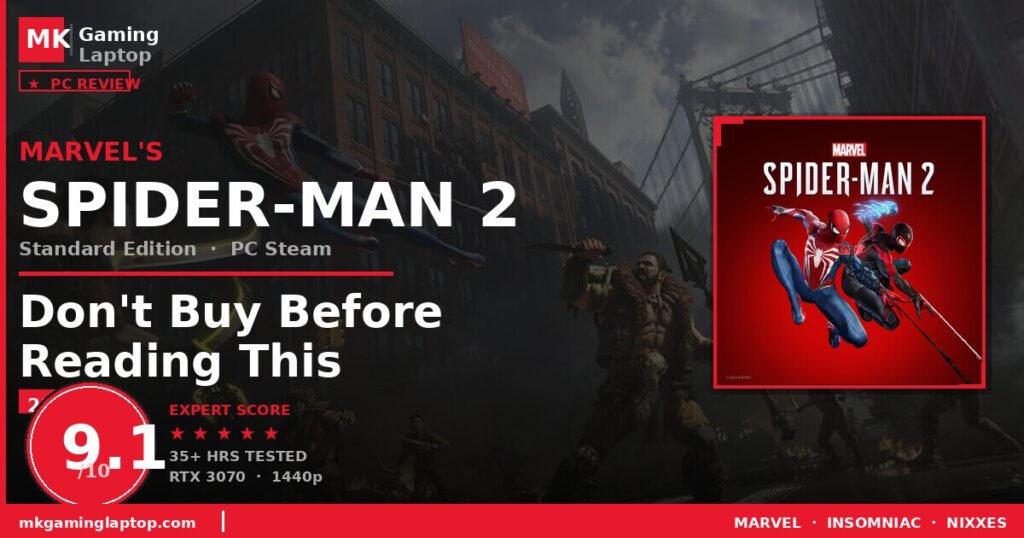

Marvel’s Spider-Man 2 PC Steam Review:
Don’t Buy Before Reading This (2026)
Real performance data, 5 buyer mistakes & insider tips — everything you need before spending $59.99 on this Steam online game code.
What You Are Actually Buying
Before anything else, let me clear this up. When you buy the Marvel’s Spider-Man 2 Standard Edition PC Steam online game code, you are not buying a disc or a physical box. You get a digital key that you redeem directly in your Steam library.
- You receive the code via email after purchase (usually instant, up to 24 hrs)
- Open Steam on your PC and click “Add a Game” at the bottom left
- Select “Activate a Product on Steam”
- Enter your code, download, and play
My Setup & First Impressions
I run a mid-range gaming PC: an RTX 3070, Ryzen 7 5800X, 32GB RAM, and a 1440p monitor. The game downloaded at around 75GB. Installation was smooth with no hiccups.
First boot? The settings menu immediately impressed me. Nixxes gave PC players a genuinely deep options panel — ray tracing quality, frame generation, DLSS/FSR/XeSS support, ultrawide compatibility, and separate sliders for motion blur and chromatic aberration.
I locked the game at 60fps for my first playthrough. Completely stable. No crashes in 30+ hours. If you are on a high-end rig, uncapped framerates with DLSS Quality look stunning.
What Makes Spider-Man 2 Special
Two Spider-Men, One City, Zero Filler
The biggest change from the first game is that you play as both Peter Parker and Miles Morales in an expanded version of Marvel’s New York. Brooklyn, Queens, and Coney Island are now fully explorable. Peter becomes a heavier, more aggressive fighter after the symbiote storyline kicks in. Miles is faster and more technical — his bio-electric venom powers let him chain crowd-control combos that feel smooth and expressive.

Web Wings Change Everything
The new Web Wings mechanic took me about 20 minutes to fully embrace, and then I could not go back. Combined with web-swinging and wall-running, traversal in Spider-Man 2 is the best in any superhero game, period.
The Villains Actually Work
This version of Venom is not who you expect, and the story explores themes about loss, grief, and addiction in ways that hit harder than I anticipated. Kraven the Hunter is also brilliantly written — brutal, methodical, and his presence creates genuine tension throughout.

PC Port Quality — Honest Assessment
What Nixxes Got Right
- Performance is excellent across a wide range of hardware
- Ultrawide support works properly at launch (21:9 and 32:9)
- DualSense features partially replicated via USB — haptic feedback and adaptive triggers work
- Photo Mode expanded and works flawlessly on PC
- Ray tracing options are granular and well-optimised
Minimum & Recommended Specs
| Component | Minimum | Recommended (1440p/60fps) |
|---|---|---|
| GPU | GTX 1070 / RX 5500 XT | RTX 3070 / RX 6700 |
| CPU | Ryzen 5 3600X / Core i7-8700K | Ryzen 7 5800X / Core i7-12700 |
| RAM | 16GB | 32GB |
| Storage | 75GB SSD | 75GB NVMe SSD |

5 Common Buyer Mistakes
Not Checking Your Internet Connection Before Download
75GB is a large download. On a slower connection, that is hours of wait time. Plan accordingly.
Skipping the First Spider-Man Game
Spider-Man 2 catches you up decently, but the emotional weight of certain story moments lands much harder if you have played the first game and Miles Morales.
Ignoring the Accessibility Settings
Marvel’s Spider-Man 2 has some of the most comprehensive accessibility options in any modern game. Check these menus before writing the game off.
Rushing the Main Story
The side missions in this game are not filler. Several expand on characters in genuinely moving ways. Slow down. Explore. Talk to everyone.
Playing Without a Controller
Web-swinging on a PS5 controller with haptic feedback is transformative — and pairs perfectly with any gaming laptop.
Advanced Tips Most Reviews Skip

PC vs PS5 Comparison
- Best traversal in any superhero game
- Emotionally powerful story
- Excellent Nixxes PC port
- Ultrawide + DualSense support
- 35–45 hrs of content, no paid DLC
- Ray tracing well-optimised
- 75GB download — plan ahead
- Shader stutters in first hour
- HDR needs manual calibration
- Non-refundable once activated
- Better with prior games played
If you enjoy action games with strong narratives, this is one of the best available right now. The combat is deep without being overwhelming. The story genuinely surprised me with how emotionally it lands.
The PC port by Nixxes is excellent — among the best console-to-PC conversions of the last few years. Buy it, redeem it, play it within minutes. Looking for the right peripherals? Check our accessories reviews to complete your setup.
Rating: 9.1/10 — This is a YES from us. No hesitation.
Spider-Man 2 at 90fps+ on a gaming laptop is something else entirely.
View Best Gaming Laptops 2026 →