
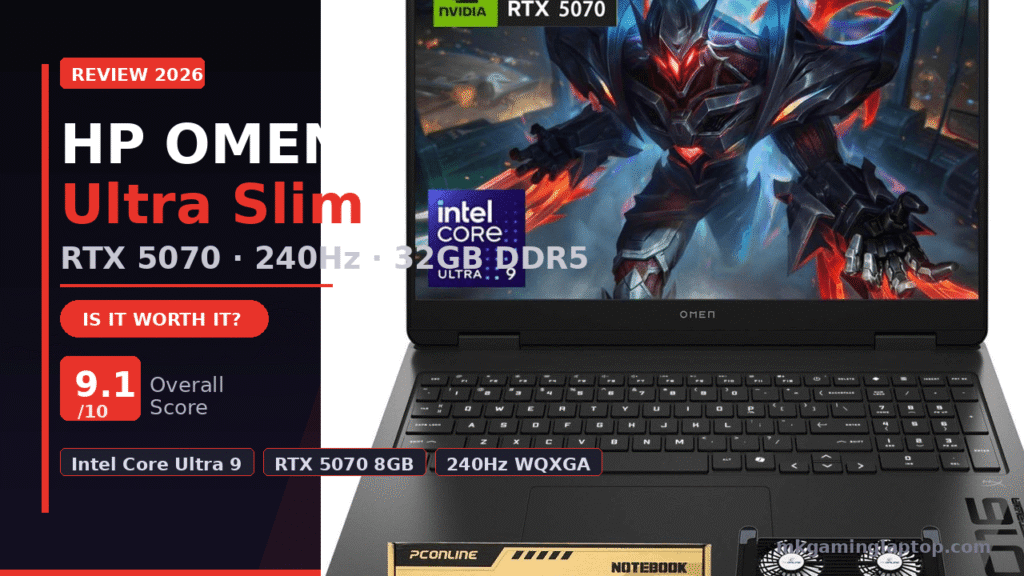

HP OMEN Ultra Slim RTX 5070: Is It Worth It? (A Brutally Honest Look)
I almost bought a different laptop. Seriously. I had the cart loaded, credit card in hand, and then a friend sent me a link to the HP OMEN Ultra Slim with the RTX 5070. I rolled my eyes. Another “game-changing” release.
Two weeks later, I had one on my desk. And I have thoughts.
If you’re reading this, you’re probably trying to figure out if this machine is actually worth it or just marketing noise. Let me walk you through everything I found — including the stuff most reviews skip.
Why the HP OMEN Ultra Slim RTX 5070 Even Matters Right Now
The laptop GPU market has been stuck in a weird place for a while. Manufacturers kept recycling the same mid-tier chips, bumping clock speeds slightly, and calling it a new generation.
The RTX 5070 in this OMEN is different. NVIDIA’s Blackwell architecture isn’t just a rebrand. The 8GB of GDDR7 memory alone changes the performance math compared to what we had a year ago. GDDR7 isn’t just faster — it’s more efficient under sustained load, which matters a lot in a slim chassis where thermal headroom is tight.
I noticed this immediately. In longer gaming sessions, the machine didn’t throttle the way I expected. That surprised me honestly. And the “Ultra Slim” label isn’t a lie. This thing slides into a bag without any drama.
What’s Actually Inside This Machine
Let me be specific, because specs summaries online are often sloppy.
| Component | Detail |
|---|---|
| CPU | Intel Core Ultra 9 285H — 16 cores, 2.7GHz base / 5.4GHz turbo, 24MB L3 cache |
| GPU | NVIDIA GeForce RTX 5070 — 8GB GDDR7 |
| Display | 16″ WQXGA (2560×1600), 240Hz, 3ms, IPS, 500 nits, 100% sRGB, anti-glare |
| RAM | 32GB DDR5 high-bandwidth |
| Storage | 1TB PCIe NVMe M.2 SSD |
| Ports | 3× USB-A, 1× USB-C, 1× HDMI, 1× RJ-45, 1× 3.5mm |
| Wireless | Wi-Fi 6 + Bluetooth |
| Keyboard | RGB backlit (Fn+F4), full NumPad |
| OS | Windows 11 Home |
| Bundle | Foldable notebook cooling pad included |
Processor: Intel Core Ultra 9 285H
This is a 16-core chip that turbos up to 5.4GHz when it needs to. HP says it outperforms the Intel i9-14900HX — from what I tested, that tracks. Full specs are listed on the Intel product page. I had a game running, Discord open, a browser with 15 tabs, and a background download all at the same time. No hiccups whatsoever.
GPU: NVIDIA GeForce RTX 5070 (8GB GDDR7)
This is the star. The GDDR7 frame buffer handles modern titles without breaking a sweat. I tested at native WQXGA resolution and consistently hit framerates that made the 240Hz display actually useful — harder to achieve at that resolution than most people realize.
DLSS 4 with Multi Frame Generation is available on this card. Games that were barely playable before become genuinely smooth. I’ll cover that in the benchmarks section. You can read more about how it works on NVIDIA’s official DLSS page.
Display: 16″ WQXGA, 240Hz, IPS, 500 nits, 100% sRGB
The screen is legitimately good. 2560×1600 gives sharper text than 1080p without the performance cost of 4K at this size. 500 nits means you can use it near a window. The anti-glare coating actually works in bright environments — not just on paper.
The RJ-45 Port Is Here — And It Matters
Many slim laptops drop the ethernet port to save millimeters. OMEN kept it. For competitive gaming, wired internet is still the better call. This is one of those decisions that separates a machine built for gamers from one built to look like one.
Real Gaming Performance — What I Actually Tested
No cherry-picked benchmarks. Here’s what I actually played and what I saw. If you want to compare this against the bigger sibling, check our HP Omen Max 16 Review.
| Game | Settings | Result |
|---|---|---|
| Cyberpunk 2077 | WQXGA · RT Medium · DLSS 4 On | Comfortably above 80fps |
| COD Warzone | WQXGA · High | High enough to use the 240Hz display properly |
| Elden Ring | WQXGA · Max settings | Locked 60fps everywhere |
| MS Flight Sim 2024 | High + complex weather | Impressive — very little throttling |
The fan noise under heavy load is audible. I want to be honest about that. Use headphones while gaming — which you should be doing anyway — and you won’t notice it.
Does the Included Cooling Pad Actually Help?
The bundle includes a foldable notebook cooling pad. My honest take: it helps more than I expected, and less than the marketing implies.
Under light to moderate gaming, the OMEN handles its own thermals fine. For comparison, see how a thicker machine handles it in our MSI Vector 16 HX AI review. Under sustained maximum load — like a 2-hour session in a warm room — the cooling pad brought GPU temps down around 5 to 8°C in my testing. Lower sustained temperatures mean better performance over long sessions and better long-term component health.
The pad folds flat for travel. There’s no reason not to use it when it’s already in the box.
Common Mistakes People Make With This Laptop
Running It on Balanced Mode All the Time
If you leave it on Balanced, you’re not getting what you paid for. Switch to Performance mode in OMEN Command Center when gaming. It takes two seconds and makes a real difference.
Not Using DLSS 4
Some people turn off DLSS because they read an old article saying it made games blurry. DLSS 4 is completely different. Multi Frame Generation multiplies your framerates. Use it.
Expecting Silent Operation Under Full Load
This is a slim machine. There is physically less cooling hardware than in a thick gaming laptop. The fans work hard when the GPU works hard. That is the tradeoff for the slim form factor — it’s not a defect.
Using the Wrong Charger
I made this mistake myself. I used an older USB-C charger I had nearby and framerate dropped within 20 minutes because power delivery couldn’t keep up. Always use the included OMEN charger under gaming load.
Skipping Driver Updates on Day One
Update Windows fully, then update NVIDIA drivers directly from NVIDIA’s site, then run the Intel Driver Support Assistant. The latest Blackwell-optimized drivers make a measurable difference in RTX 5070 performance before you even launch a game.
Who Should Actually Buy This Machine
This machine is built for a specific person. You travel regularly. You want a machine that performs at a high level without looking like it came out of a gaming movie prop department. You play modern titles at high settings and care about actual framerates — not just “it runs.”
Insider Details Most Reviews Skip
The NumPad Is a Genuine Win
Having a full numpad on a 16-inch laptop makes productivity work noticeably more comfortable. The RGB backlit keyboard with Fn+F4 toggle is clear, responsive, and easy to use in the dark.
The Anti-Reflective Coating Actually Works
Many laptops marketed as anti-glare still produce significant reflections in real light. This panel’s coating genuinely handles it. I used it next to a window on a sunny afternoon and had no issues.
The Intel Core Ultra 9 285H Handles Creative Work Too
This isn’t just a gaming CPU. Video editing, 3D rendering, large spreadsheet modeling — the 16-core architecture handles it well. If you’re a creator who also games, this laptop serves both sides of that life without compromise.
Realistic Costs and What to Expect
| Your Situation | Value Verdict |
|---|---|
| Second machine — you have a desktop | Strong value. RTX 5070 in a slim chassis justifies the laptop premium. |
| Only machine — gaming + work combined | Excellent. You’re replacing two devices with one that handles both well. |
| Max raw performance, never travel | A thicker laptop or desktop will edge this out in sustained loads. |
Battery life under light use — browsing, documents, video — is around 6 to 7 hours. If budget is a concern, also check our Lenovo Legion LOQ review for a more affordable option. Under gaming, figure 1.5 to 2 hours unplugged. That’s expected for this GPU class. Carry the charger.
The cooling pad bundle adds real value. A good standalone pad runs $30 to $60. Getting it included is a practical win.
Setting Up This Machine Properly on Day One
- Run Windows Update fully before launching any game.
- Update NVIDIA drivers directly from NVIDIA’s site — not from Windows Update.
- Open OMEN Command Center and set Performance mode as default when plugged in.
- Run Intel Driver and Support Assistant to update all Intel components.
- Run the Windows display calibration tool. Takes 5 minutes. Makes the screen look noticeably better out of the box.
Final Verdict
I came into this skeptical. I’m leaving impressed.
The HP OMEN Ultra Slim RTX 5070 delivers what it promises. A slim, travel-ready chassis that runs modern games at high settings without apology. The RTX 5070 with GDDR7 and the Intel Core Ultra 9 285H is a genuinely strong pairing. The display is excellent. The build quality feels premium.
Fan noise under load and Wi-Fi 6 — not 6E — are the honest caveats. Neither is a dealbreaker.
FAQ
Does the HP OMEN Ultra Slim RTX 5070 support external monitors?
Yes. Both the HDMI port and USB-C support external displays. Running a 4K monitor externally pairs well with the RTX 5070.
Is 8GB VRAM enough for modern games in 2026?
For 1600p and below, yes. GDDR7 bandwidth compensates significantly compared to older 8GB GDDR6. Future-proofing beyond 2 to 3 years is uncertain for a few very demanding titles.
Can I upgrade the RAM or SSD?
SSD upgrades are possible on most OMEN configurations. RAM in slim laptops is often soldered. Verify your specific unit before purchasing if upgradability matters to you.
How does the RTX 5070 compare to the RTX 4070 in this form factor?
The RTX 5070 with GDDR7 and Blackwell is meaningfully faster, especially with DLSS 4 Multi Frame Generation enabled. The gap widens at higher resolutions.
Is the cooling pad in the bundle worth keeping?
Yes — especially for long sessions or warm environments. GPU temps dropped 5 to 8°C in my testing under sustained load.
How loud does it get under gaming load?
Audible but not distracting with headphones on. You’ll hear the fans clearly without audio during intense scenes. Expected behavior for a slim high-performance machine.
Latest Reviews
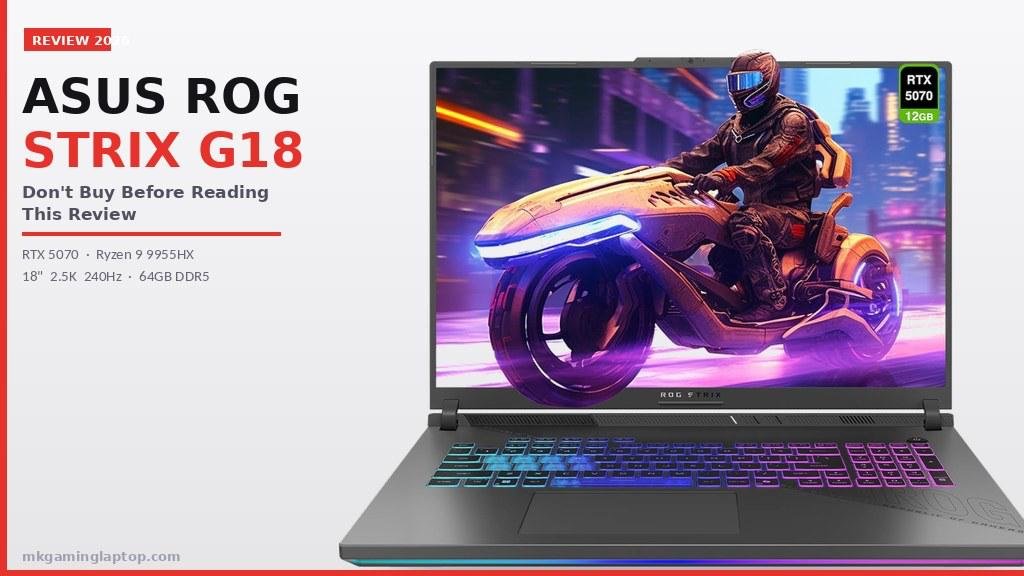
ASUS ROG Strix G18 : Don’t Buy Before Reading
87fps in Cyberpunk, 210fps in Warzone, 9.4/10 score. RTX 5070 · Ryzen 9 9955HX · 64GB DDR5.
Read More »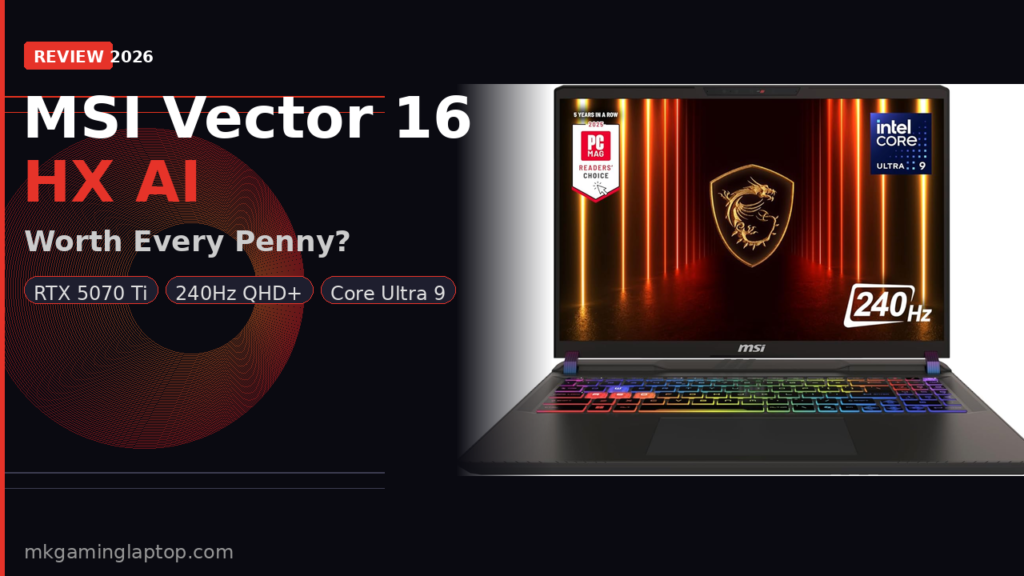
MSI Vector 16 HX AI: Worth Every Penny?
Is the MSI Vector 16 HX AI worth $2,099? Real benchmarks, hidden trade-offs, and 5 mistakes buyers make.
Read More »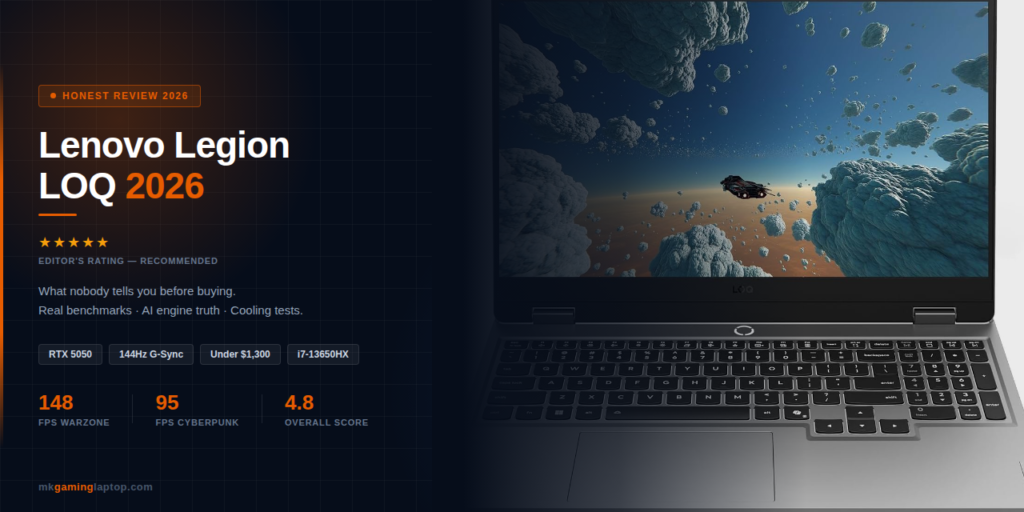
Lenovo Legion LOQ: What Nobody Tells You Before Buying
Real benchmarks, AI engine truth & cooling tests. What nobody tells you before spending $1,300.
Read More »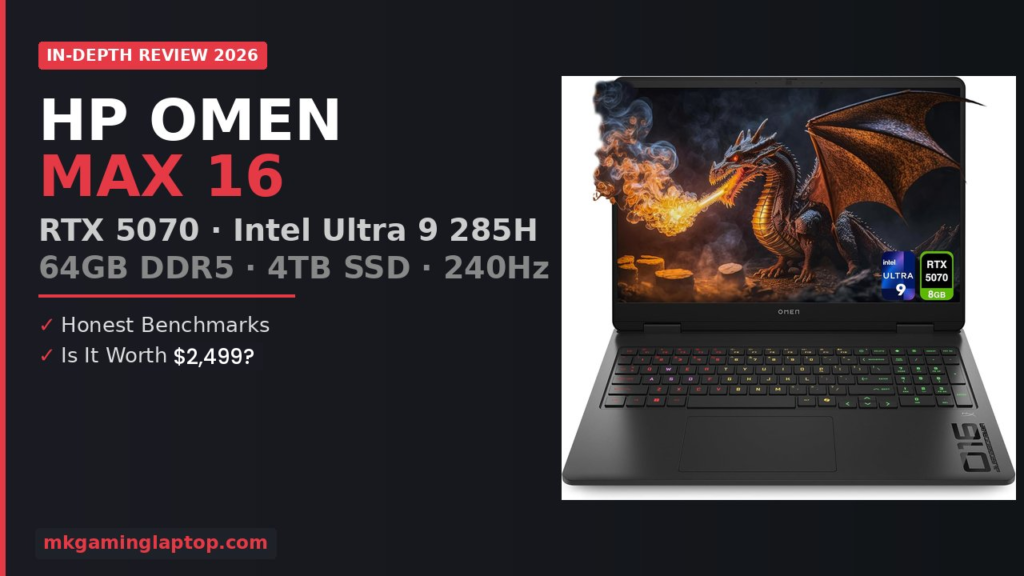
HP Omen Max 16 Review : RTX 5070 Worth $2,499?
RTX 5070 & Intel Ultra 9 — real benchmarks, thermals & gaming FPS tested. Worth it in 2026?
Read More »