
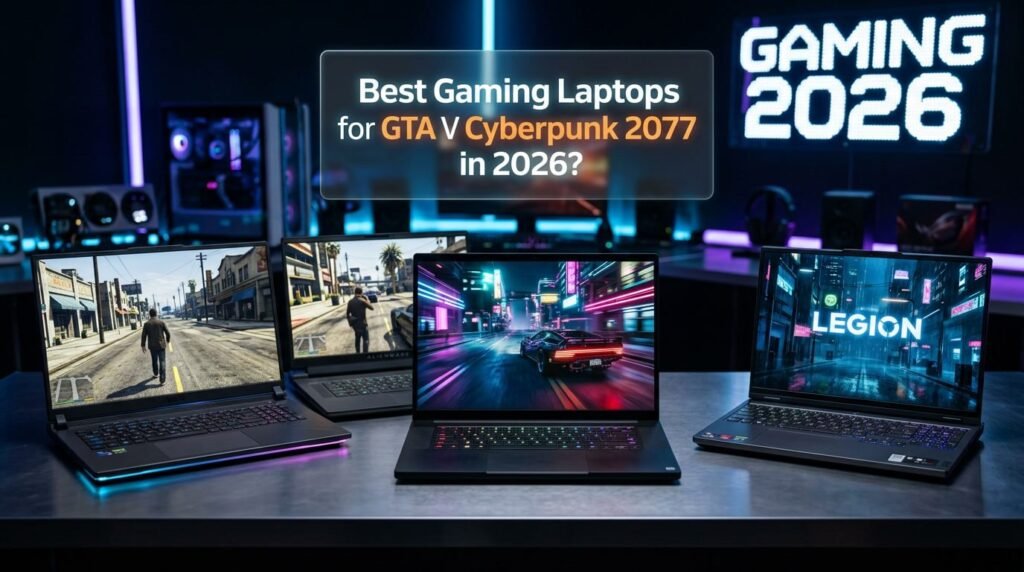
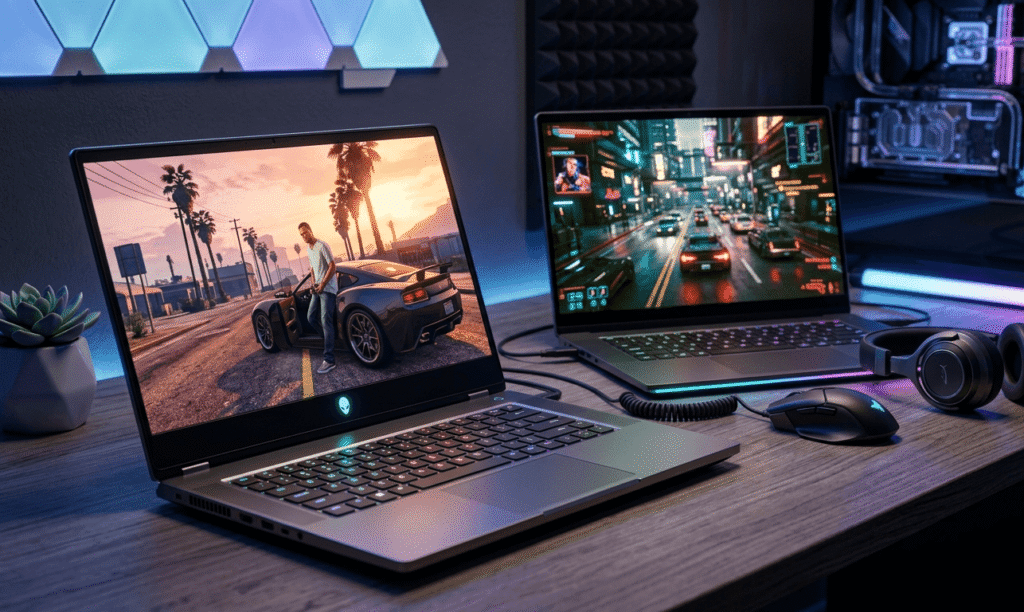
Running demanding open-world games like GTA V and Cyberpunk 2077 on a gaming laptop requires more than just a powerful GPU. While GTA V is relatively well-optimized and CPU-dependent, Cyberpunk 2077 is one of the most hardware-intensive games available, relying heavily on GPU performance, fast storage, and modern upscaling technologies such as DLSS.
This guide highlights the best gaming laptops for GTA V and Cyberpunk 2077, focusing on real-world performance, value, and long-term reliability. All recommendations are based on specifications commonly available across multiple retailers.
Recommended Laptop Specifications
GTA V (Recommended)
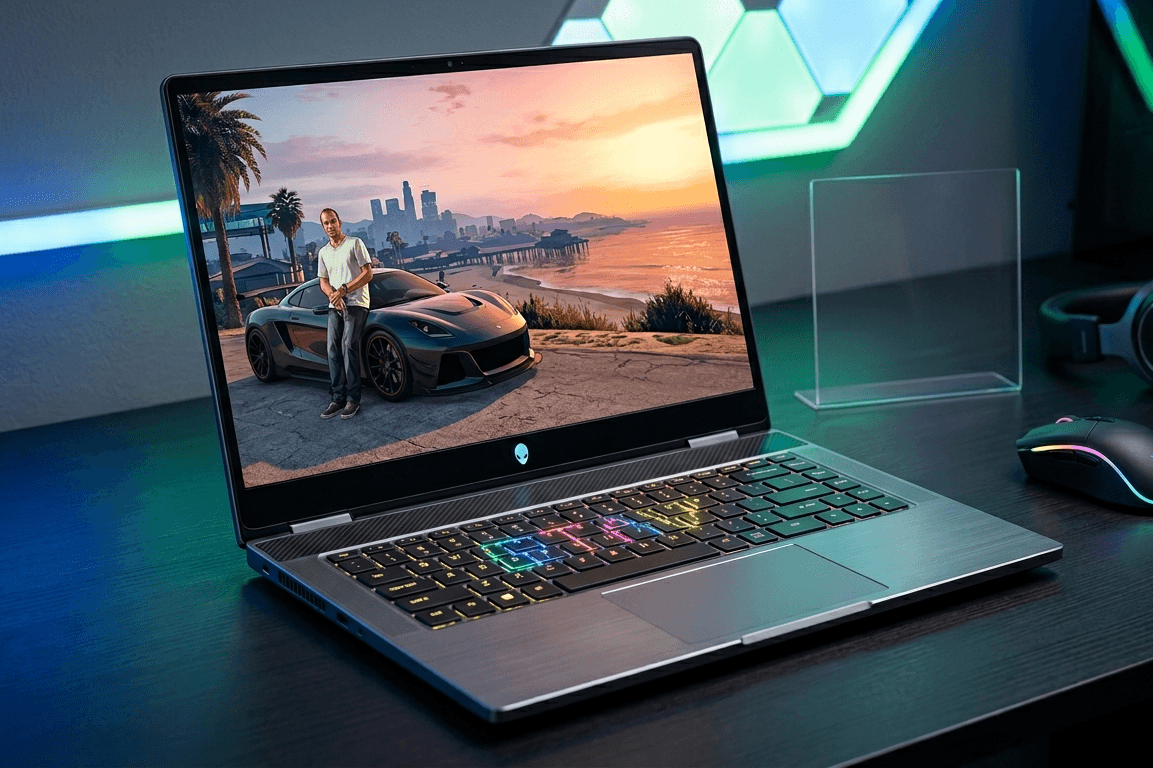
- CPU: Intel Core i5 (10th gen or newer) / AMD Ryzen 5
- GPU: GTX 1660 / RTX 3050 or higher
- RAM: 16GB
- Storage: SSD (512GB recommended)
Cyberpunk 2077 (Recommended)
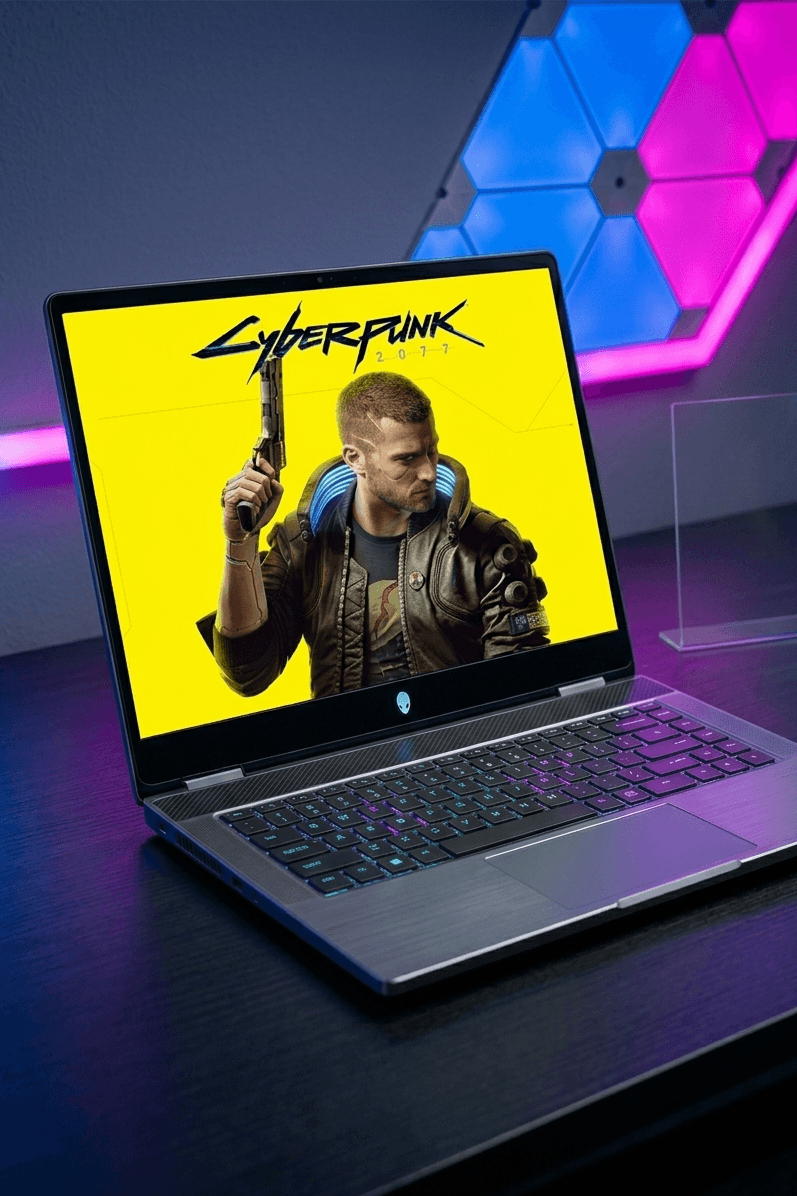
- CPU: Intel Core i7 (12th gen or newer) / AMD Ryzen 7
- GPU: RTX 4060 (recommended minimum for modern settings)
- RAM: 16GB (32GB preferred)
- Storage: NVMe SSD (1TB recommended)
Performance Expectations by GPU
| GPU | GTA V | Cyberpunk 2077 | Experience Level |
|---|---|---|---|
| RTX 3050 | High – 60+ FPS | Medium – 35–45 FPS | Budget |
| RTX 4060 | Ultra – 100+ FPS | High – 60+ FPS (DLSS) | Best Value |
| RTX 4070 | Ultra – 120+ FPS | Ultra – 70–80 FPS | High-End |
Performance varies by CPU, cooling, and game settings.
Best Gaming Laptops for GTA V and Cyberpunk 2077
Best Overall Value
Lenovo Legion Pro 5 (RTX 4060, Intel Core i7 / Ryzen 7)
- Excellent cooling and sustained performance
- Smooth GTA V at ultra settings
- Cyberpunk 2077 runs at high settings with DLSS
- Strong build quality and display

Best High-End Option
ASUS ROG Strix G16 (RTX 4070, Intel Core i9)
- Designed for high-end gaming workloads
- Cyberpunk 2077 playable at ultra settings
- Ideal for future AAA titles
- High refresh-rate display

Best Budget Gaming Laptop
MSI Thin A15 (RTX 3050, Ryzen 5)
- Reliable performance for GTA V
- Cyberpunk 2077 playable on medium settings
- Good option for entry-level gamers
- Affordable compared to RTX 40-series laptops

Best for Gaming and Content Creation
Acer Predator Helios Neo 16 (RTX 4060, Intel Core i7)
- Balanced CPU and GPU for gaming + editing
- Strong thermal design
- Fast NVMe storage
- Suitable for streaming and multitasking

Storage and RAM Considerations
- Always choose an SSD (NVMe preferred)
- Cyberpunk 2077 benefits significantly from fast storage
- 16GB RAM is sufficient for gaming
- 32GB RAM improves multitasking and future-proofing
Optimized Graphics Settings
GTA V
- Texture Quality: Very High
- Shadows: High
- MSAA: Off
- Advanced Graphics: Disabled
Cyberpunk 2077
- Enable DLSS (Balanced or Performance)
- Ray Tracing: Medium or Off (RTX 4060)
- Crowd Density: Medium
- Motion Blur: Off
These settings ensure stable FPS without unnecessary performance loss.
Common Buying Mistakes
- Choosing a weak CPU with a strong GPU
- Ignoring laptop cooling quality
- Buying only 8GB RAM
- Overpaying for specs not needed for your use case
Balanced hardware always delivers better long-term results.
FAQ
Can GTA V run smoothly on gaming laptops?
Yes. Most modern gaming laptops handle GTA V very well.
Is RTX 4060 enough for Cyberpunk 2077?
Yes. It offers excellent performance at high settings with DLSS.
Is ray tracing required?
No. Ray tracing improves visuals but is optional.
How long will these laptops stay relevant?
RTX 4060 and RTX 4070 laptops should remain capable for several years.
Final Verdict
For most users, a gaming laptop with an RTX 4060 and Intel Core i7 or Ryzen 7 offers the best balance of performance, efficiency, and value for both GTA V and Cyberpunk 2077. Budget users can still enjoy both games with RTX 3050 systems, while high-end users will benefit from RTX 4070 laptops for maximum visual quality and longevity.
Looking for student-friendly setups? Check best gaming laptops for students.