
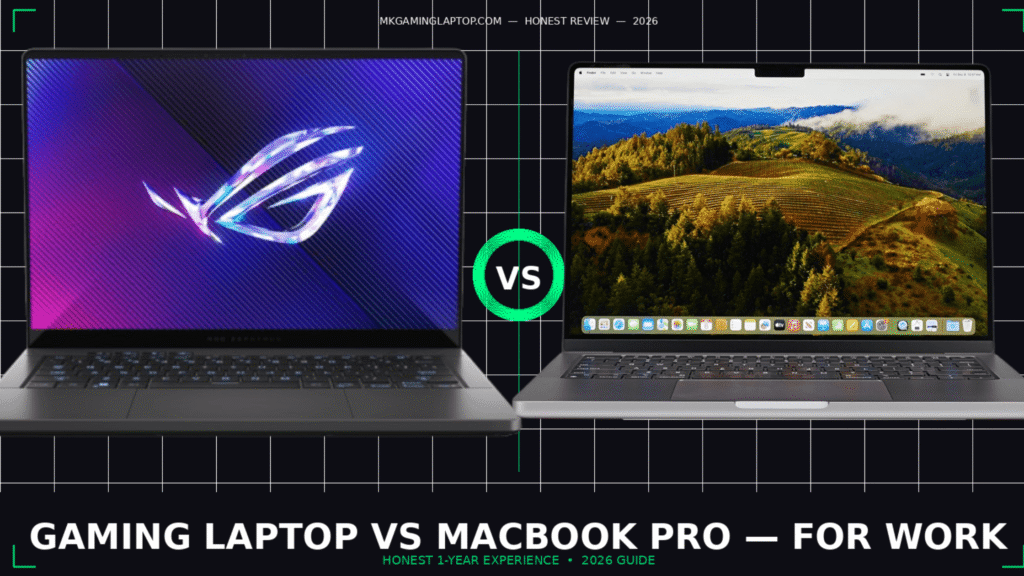
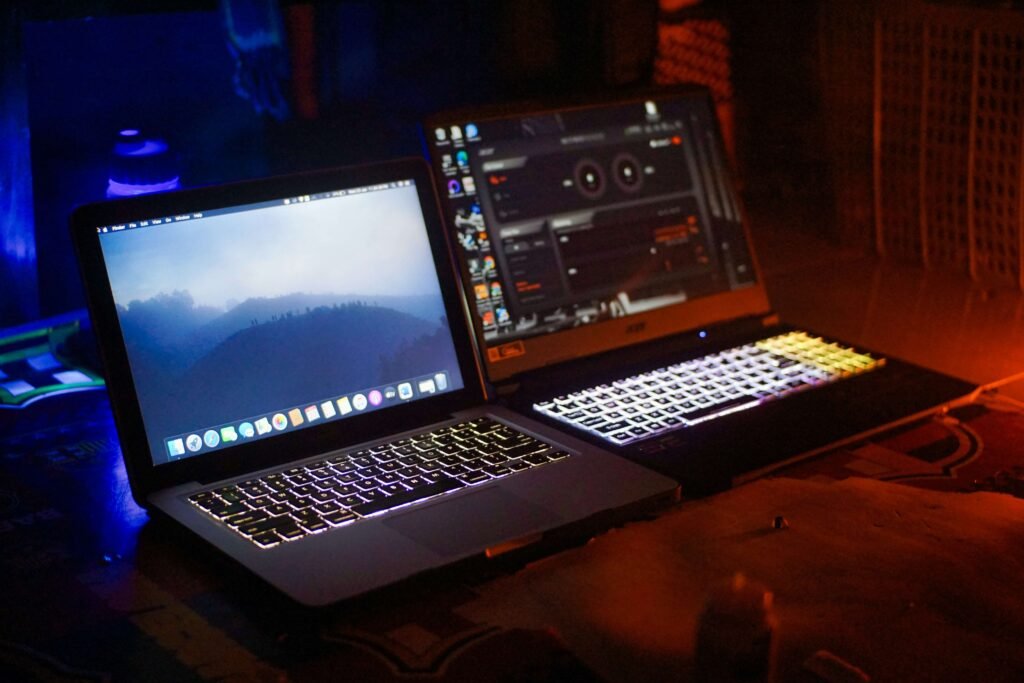
I bought a MacBook Pro first. Then six months later, I got a gaming laptop for “just gaming.” Within three weeks, the gaming laptop became my main work machine.
That was not the plan. Not even close.
If you’re stuck trying to decide between a gaming laptop vs MacBook for work, I’ve been exactly where you are. And I made the expensive mistake of not thinking it through properly the first time. This article is everything I wish someone had told me before I spent over $3,000 figuring it out myself.
Why This Decision Is Actually Harder Than It Looks
Most articles compare specs on paper. RAM vs RAM. Screen vs screen. That’s fine, but it misses the real question: what does your actual workday look like?
I work in video editing and motion graphics. I also do some light 3D rendering. I game on weekends. That profile made the decision complicated.
For someone doing spreadsheets and Zoom calls, a MacBook wins easily. But for anyone doing creative work, development, or anything GPU-heavy — it gets murky fast. Let me break it down properly.
Gaming Laptop vs MacBook for Work: The Real Differences That Matter
Battery Life: MacBook Wins, No Contest
This one is not even close.



My MacBook Pro M3 gets 14 to 16 hours of real-world battery life doing actual work. Documents, browser tabs, light video editing, video calls — all day without a charger.
My ASUS ROG Zephyrus G14? About 4 to 5 hours unplugged under normal use. If I’m doing anything GPU-heavy, it drops to under 3 hours.
If you work from cafes, client offices, or anywhere without a power outlet nearby, a gaming laptop will frustrate you daily.
The insider detail most reviews skip: Gaming laptops throttle their performance significantly when unplugged to save battery. So that powerful GPU you paid for? It’s not running at full speed unless you’re plugged in. You’re essentially carrying a heavy machine that performs like a mid-range laptop unless it’s tethered to a wall.
If battery life is your top concern, check this guide first: → Best Gaming Laptops with Long Battery Life 2026 — the tested picks that actually hold up unplugged.
Raw Performance: Gaming Laptops Have a Real GPU Advantage
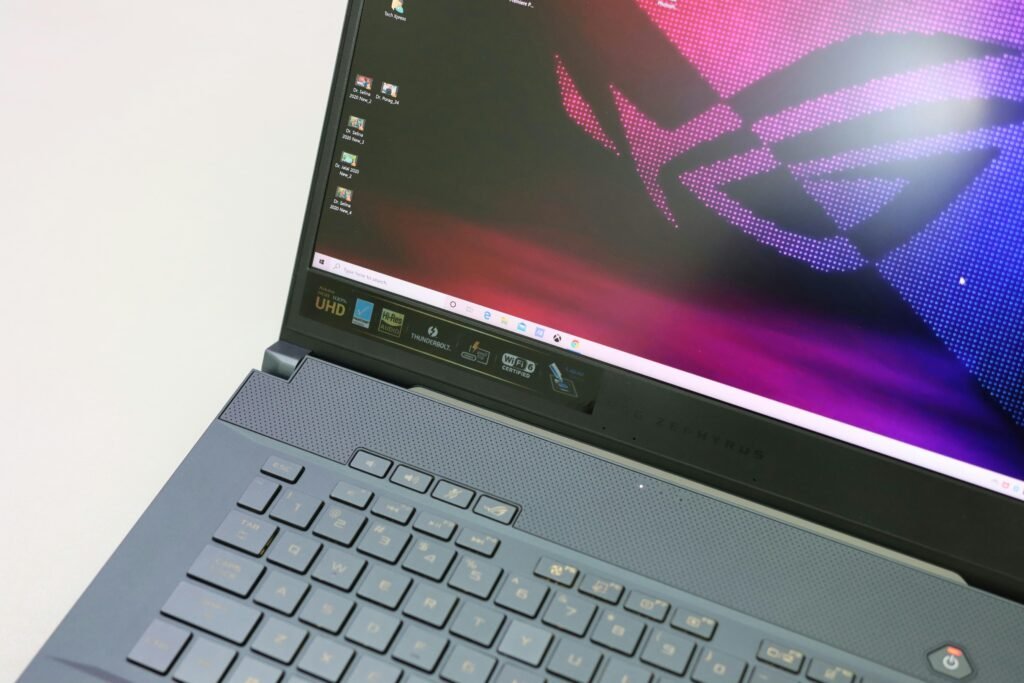

Here’s where gaming laptops earn their price tag.
Apple Silicon (M2, M3, M4 chips) is genuinely impressive for CPU tasks and GPU tasks optimized for Metal. Final Cut Pro on a MacBook M3 Pro is jaw-droppingly fast. DaVinci Resolve runs well. Logic Pro is buttery smooth.
But the moment you step into software that needs a dedicated NVIDIA or AMD GPU — CUDA-based workflows, AI tools like Stable Diffusion, certain 3D rendering engines, or game development tools — the MacBook loses. Not a little. A lot.
My ASUS with an RTX 4070 rendered a Blender scene in about 8 minutes using GPU rendering. The MacBook M3 Pro took over 40 minutes on the same scene using Metal. That is not a spec difference. That is a workflow difference.
If CUDA matters to your work, a gaming laptop wins here decisively.
For people who do both video editing and gaming, this dedicated guide is worth reading: → Best Gaming Laptops for Video Editing and Gaming — specific models tested for real creative work.
Build Quality and Portability: MacBook Is Built Different


I learned this the hard way at an airport.
Gaming laptops are heavy. My ASUS ROG G14 is on the lighter end at about 1.65kg, but with the massive power brick it needs, my bag was noticeably heavier. Some gaming laptops push 2.5kg before you even add the charger.
The MacBook M3 Pro is around 2.15kg, but the charger is tiny and light. Total carry weight ends up much lower.
More importantly, gaming laptops feel different from a MacBook. The aluminum unibody on a MacBook feels like a precision instrument. Most gaming laptops — even good ones — have a gamer aesthetic that can look out of place in a corporate meeting room.
If you regularly walk into client meetings or professional environments, the MacBook carries a quiet credibility. Shallow? Maybe. Real? Absolutely.
If you do carry your gaming laptop around, a proper bag makes a real difference: → Best Backpack for Gaming Laptop: Top 5 Picks for 2026 — tested options that protect your machine and do not destroy your shoulders.
Thermals and Fan Noise: A Real Problem Nobody Warns You About
Under sustained load, gaming laptops get loud and hot.
I am talking fan noise that drowns out conversation in a quiet room. The ASUS ROG G14 can hit 50dB under full load — basically a desk fan running next to you constantly. Not great in an open office or a library.
MacBooks stay nearly silent under most workloads. Even under heavy export tasks, the fans barely kick in.
If you end up with a gaming laptop, a good cooling pad dramatically helps with temperatures and fan behavior: → Best Gaming Laptop Cooling Pads 2026 — the ones that actually work and do not just look good on a desk.
Display Quality: It Depends on What You’re Buying


This is where I push back on the “MacBook always wins” crowd.
Yes, the MacBook Liquid Retina XDR display is gorgeous. The color accuracy is exceptional out of the box. Brightness is excellent.
But modern gaming laptops — especially at the $1,500+ range — come with OLED panels that are genuinely stunning. The ASUS Zephyrus G14 has a 2.8K OLED display with deep blacks, incredible contrast, and a smooth 120Hz refresh rate.
For video editing and professional color work, the MacBook display calibration is more consistent and reliable. For everything else, a high-end gaming laptop OLED panel is no longer a clear loser.
Mistake I made: I assumed all gaming laptop screens were the washed-out TN panels from years ago. They are not anymore. Always check the specific panel before assuming.
Software Compatibility: MacBook Has a Real Weakness Here
This is the thing Mac fans do not like talking about.
A lot of professional tools in specific industries only run on Windows. Some CAD software. Certain engineering tools. Unreal Engine technically runs on Mac but the experience is noticeably worse. Some Adobe plugins are Windows-only.
If your company uses Windows-first software, a MacBook becomes a complicated and expensive headache. You can run Windows via Parallels, but that costs extra money and adds daily friction.
For developers who code and game, a gaming laptop covers both worlds cleanly: → Best Gaming Laptop for Programming and Gaming — if you code and game, this shows the exact specs that actually matter.
Before buying a MacBook, always check if your key software runs on Apple Silicon: → Is Apple Silicon Ready? — a free community-maintained database updated regularly.
Common Mistakes People Make When Choosing Between These Two
Buying a gaming laptop to replace a console. It will not fully. The experience is different, the ergonomics are different, and you will still miss gaming on a big TV. Do not justify the purchase that way — be honest about your actual use case.
Assuming MacBook battery numbers are real under all workloads. They are, but only if you are not running resource-heavy apps constantly. If you are in Final Cut Pro all day, expect more like 8 to 10 hours, not 16.
Ignoring thermals on gaming laptops. Under sustained load, fans get loud and the chassis gets hot. Check YouTube thermal tests for your specific model before buying — every model behaves differently.
Not checking Apple Silicon compatibility first. Most software runs on Apple Silicon now, but not everything. Always verify before spending $2,000 on a machine that might not run your main tool.
Buying the cheapest gaming laptop and expecting MacBook-level quality. A $799 gaming laptop is not comparable to a MacBook Air. You need to be in the $1,200 to $1,500 range minimum for a gaming laptop to genuinely compete on build quality and display.
Real Costs and Realistic Expectations
Here are honest numbers, not marketing prices.
MacBook side:
- MacBook Air M3 (entry config):

- MacBook Pro M3 Pro (the productive one):

Gaming performance: basically none
Gaming Laptop side:
- Solid option with RTX 4060:
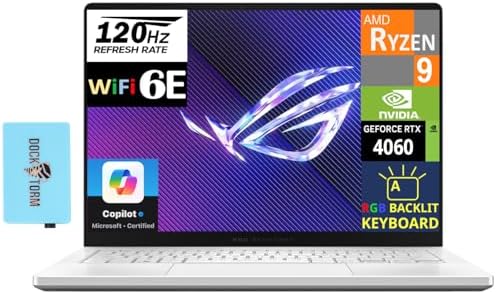
- Mid-high end with RTX 4070: $1,400 to $1,900 :

- Premium thin build like the Razer Blade 16:

For buyers on a tighter budget, this guide cuts straight to the best options without wasting money: → Best Gaming Laptop Under $1,500 — pro-level performance without overpaying.
Want to compare benchmark results across specific models before deciding? → NotebookCheck Best Gaming Laptops Ranking — the most thorough independent gaming laptop benchmark database online, updated regularly.
Who Should Buy a Gaming Laptop for Work (And Who Shouldn’t)
Buy a gaming laptop if:
- You need a dedicated GPU for CUDA, AI tools, 3D rendering, or VFX work
- You are a developer who games and wants one machine for everything
- You work from home or near power outlets most of the time
- Your key software is Windows-first
Stick with a MacBook if:
- You are constantly mobile and battery life is critical
- You are deep in the Apple ecosystem (iPhone, iPad, AirDrop workflow)
- Your work is Final Cut Pro, Logic Pro, or other Apple-optimized tools
- You go to client meetings and professional polish matters
- You do mostly CPU-bound tasks rather than GPU-heavy rendering
Advanced Tips Most Articles Do Not Tell You
Get a gaming laptop with MUX switch support. A MUX switch lets the GPU output directly to the display instead of routing through integrated graphics. It gives you 10 to 20% more gaming and GPU compute performance at zero extra cost. Not all gaming laptops have it. Always check before buying.
For the MacBook, RAM matters more than it looks. The unified memory architecture means RAM and VRAM are shared from the same pool. The base 8GB model shows memory pressure faster than you would expect under real work. Go 16GB minimum. For heavy creative work, 24GB or 32GB is the smarter call.
A gaming laptop paired with an external monitor transforms the experience. Once plugged in at your desk with a 27-inch 4K display, the laptop screen stops mattering. The chassis suddenly feels like a compact desktop you can take anywhere. Factor the monitor into your total budget — it is part of the real setup cost.
MacBooks run cool and near-silent in daily use. For co-working spaces, libraries, or open offices, this matters more than any spec sheet suggests. I did not realize how much fan noise bothered me until I had a machine that made none.
Resale value is a real financial factor. MacBooks hold their value remarkably well. A 3-year-old MacBook Pro typically sells for 50 to 60% of its original price. Gaming laptops depreciate much faster. If you plan to upgrade every 2 to 3 years, MacBook is the smarter long-term financial decision.
My Current Setup After a Year of Testing
I settled on using both machines for different purposes.
The MacBook M3 Pro is my travel machine. Writing, editing, client calls, anything that needs portability — it lives in my bag.
The gaming laptop lives on my desk connected to an external monitor. It handles Blender, Stable Diffusion, game testing, and obviously gaming.
If I could keep only one? For my specific workflow, I would keep the gaming laptop and deal with the battery limitations. But I recognize that makes me a minority use case.
For most professionals — marketers, writers, designers doing web work, product managers, standard developers — a MacBook is the smarter, cleaner, less frustrating daily driver.
Frequently Asked Questions
Can a gaming laptop fully replace a MacBook for professional work? Yes, if you work from a desk most of the time and your software runs on Windows. The battery and portability limitations are the main daily friction points.
Is a MacBook good for gaming? Not really. You can play some titles through the Mac App Store or cloud gaming services. But even a MacBook Pro GPU is nowhere near a dedicated RTX gaming chip. Do not buy a MacBook for gaming.
Which one lasts longer over the years? MacBooks have longer software support cycles — Apple supports devices with OS updates for 7 or more years. Gaming laptops vary by brand. Thermals also degrade faster under years of heavy GPU use.
Is a gaming laptop worth it specifically for video editing? Yes, if you use Premiere Pro, DaVinci Resolve, or After Effects — GPU acceleration is real and significant. If you are exclusively on Final Cut Pro, stay on Mac. It is deeply optimized for Apple Silicon.
What gaming laptop comes closest to a MacBook in build quality? The Razer Blade 15 or 16 is the closest match — aluminum chassis, professional look, does not scream gamer in a meeting room. It costs more than most gaming laptops but the build quality is genuinely premium.
Should I get 16GB or 32GB RAM in a gaming laptop? 16GB is the minimum for real work in 2026. For video editing, 3D rendering, or running multiple heavy apps, 32GB is the comfortable target. Most gaming laptops let you upgrade RAM later — that is an advantage MacBooks simply do not offer.
The Bottom Line
There is no universally right answer in the gaming laptop vs MacBook for work debate. What I can tell you is this: the choice that matches your actual workflow wins every time.
If you are mobile, in the Apple ecosystem, and doing CPU-intensive creative work — MacBook.
If you are desk-based, need serious GPU power, work in Windows-first industries, or want one machine for both serious work and gaming — gaming laptop.
Do not let either community pressure you. Both are excellent machines at their best. The mistake is buying the wrong one for how you actually live and work.
Take stock of where you actually work, what software you actually need, and how much the battery limitation would genuinely frustrate you day to day. Answer those three questions honestly and the decision basically makes itself.
Looking for more? Browse our full collection of gaming laptop guides and reviews at MKGamingLaptop.com — everything based on real-world use, not just spec sheets.